HomeProduct walkthrough
Product walkthrough

See WipeTrail working, right now

Forty laptops, one job, eight screens — from the pickup being raised to the client’s report landing. Real screens from a live ITAD operation, at your own pace, with nothing to book.

No form, no calendar, no twenty-minute call. This is the actual product, screen by screen, following one job from the phone call to the client’s report. Every screenshot is WipeTrail running a live ITAD operation, with client identifiers removed.

Meet Priya. She runs operations for a 60-person ITAD firm in the Midlands. A school trust has just retired forty laptops and wants them gone by Friday — wiped, certified and off the asset register. Here is what happens next.

Step 1 of 8

Step 1 · Collection

The pickup is raised

Priya takes the call at 9:14 and raises a pickup against the trust’s account — site address, contact, forty units, Friday collection. The driver sees it on his run before he leaves the yard.

Behind the scenes

The chain of custody opens the moment the pickup is created, not when the van gets back. Every later event on those forty devices hangs off this one record.

The record starts before the van does.
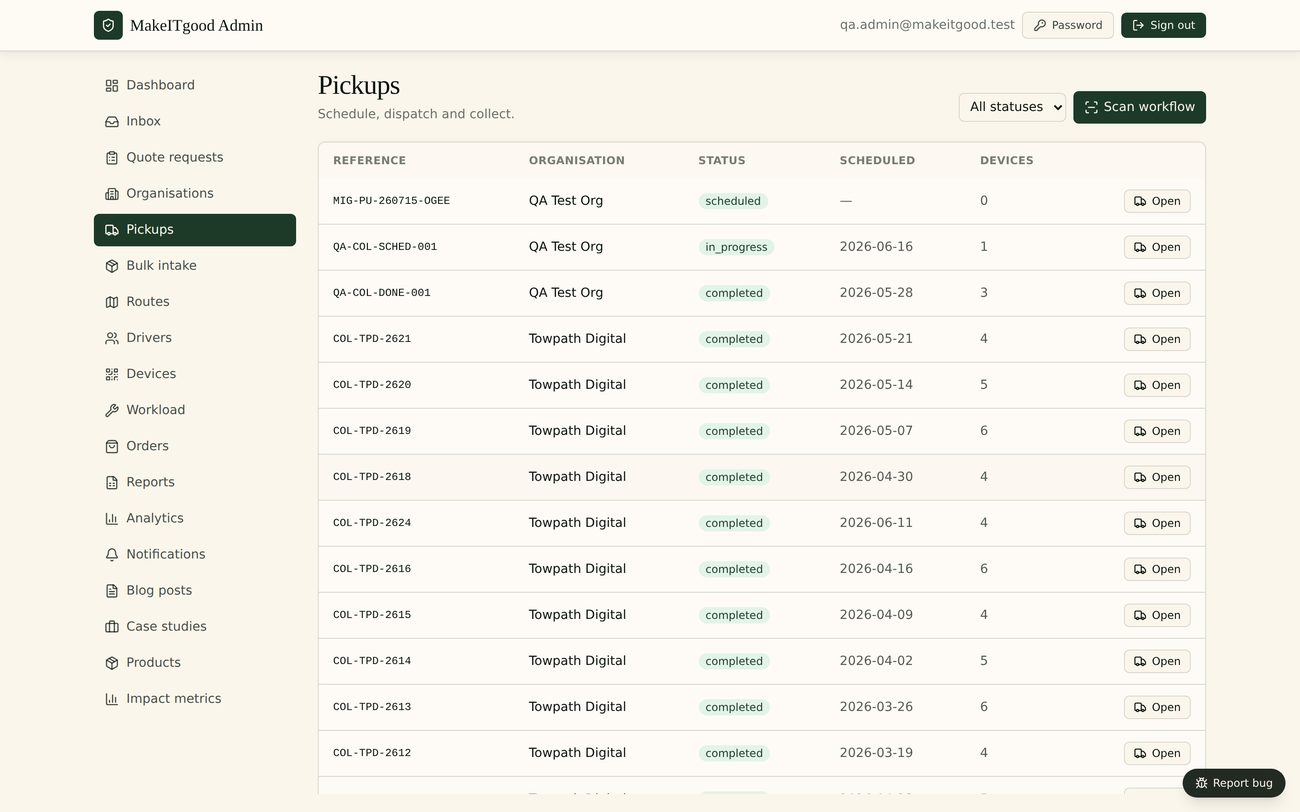
WipeTrail pickups screen showing scheduled collections and their status
Pickups — every collection, who it is for and where it has got to.
Step 2 · Intake

Every device gets a serial and a label

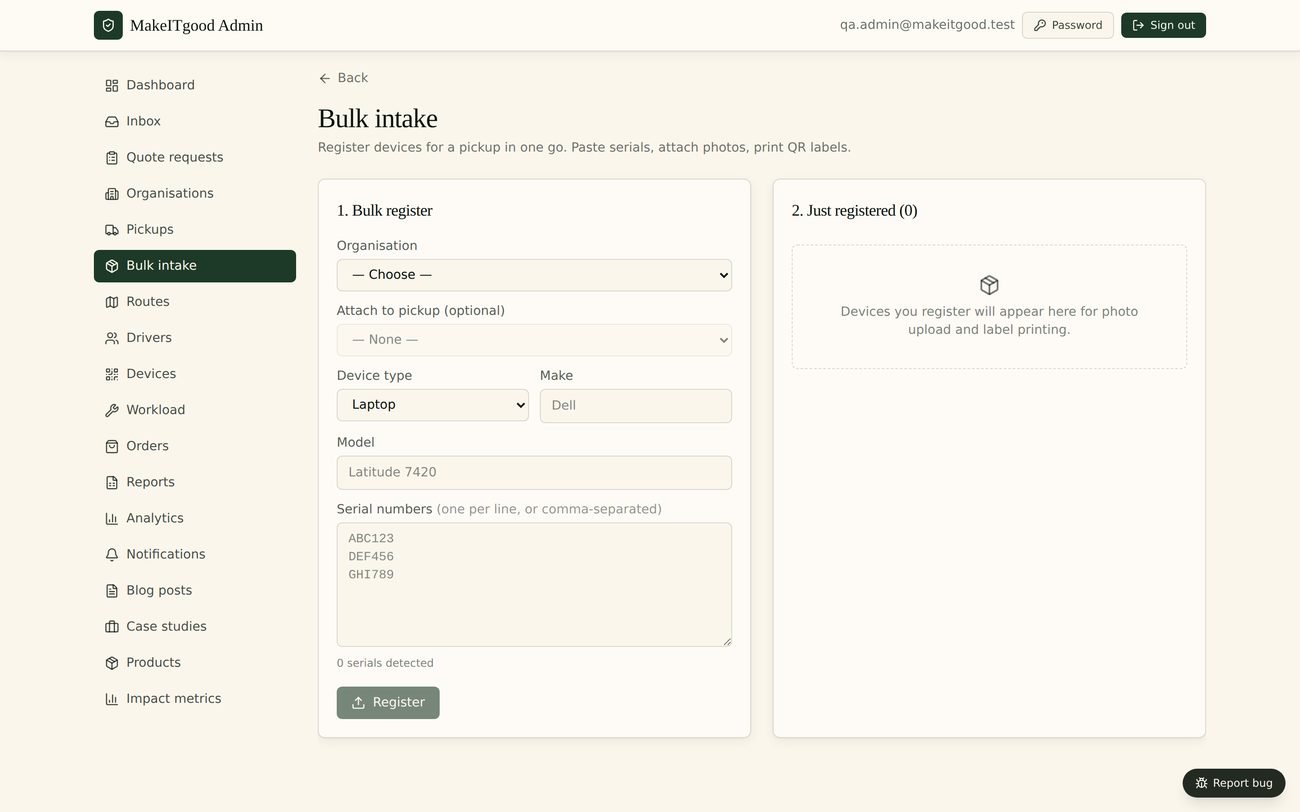
Friday afternoon, forty laptops come off the van. Each one is scanned in at the bench: make, model, serial, condition, and the pickup it arrived on. Forty devices, about eleven minutes.

Behind the scenes

The serial is the spine of the record. From here the wipe status, the certificate, the WEEE weight, the resale price and the client’s report all attach to the same device — not to a spreadsheet row somebody has to reconcile later.

One scan, and the paperwork stops being paperwork.

WipeTrail intake screen with devices being booked in by serial number
Intake — make, model, serial and condition, captured at the bench.
Step 3 · Serial check

The serial is checked before it goes any further

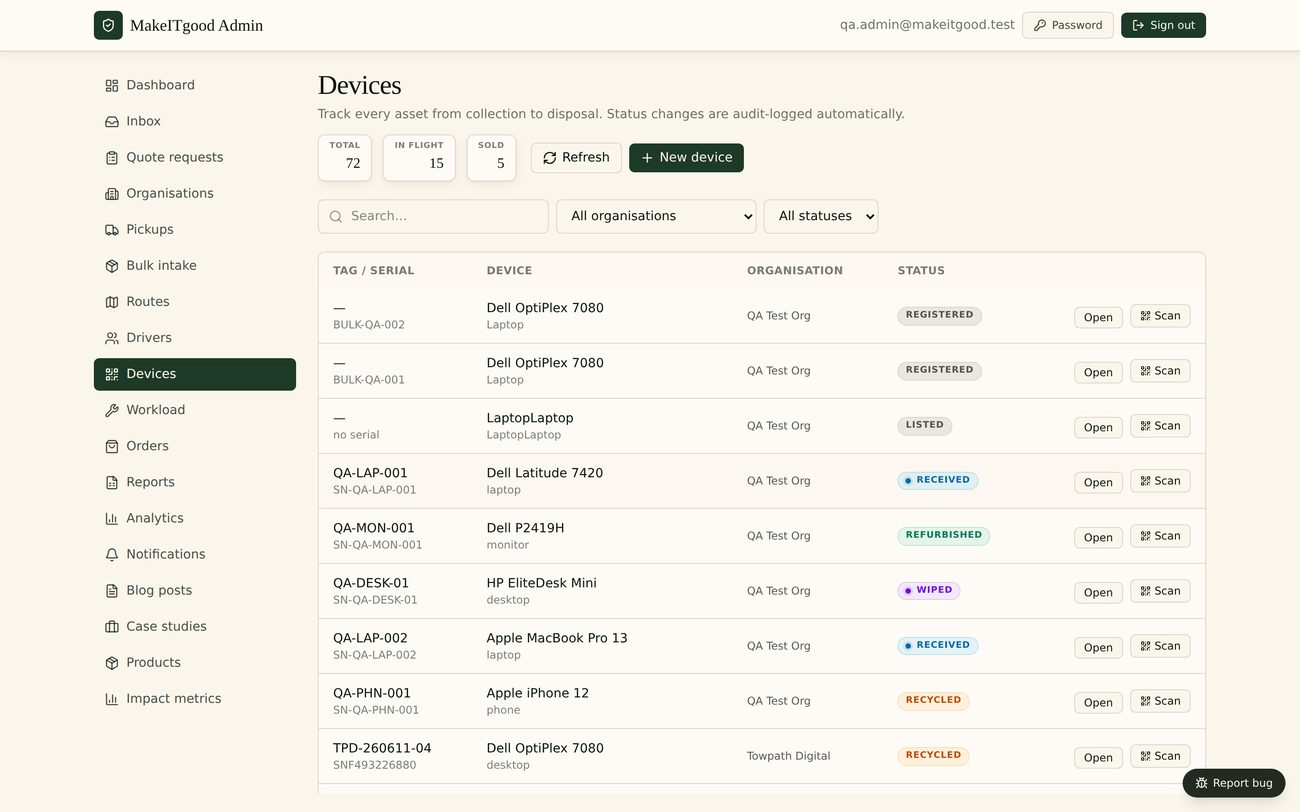
Before anything is wiped, the serials are checked against the stolen-device register. One of the forty comes back flagged. That unit is held aside and the trust is told on Monday morning — rather than it surfacing at a buyer six weeks later.

Behind the scenes

Operators flag serials; operators check serials. That is the whole mechanism. No customer records, no client names and no commercial data move between operators — only the flag against a serial number.

Better to catch it at the bench than at the buyer.

WipeTrail device list with serial numbers and status flags
Devices — the full list, searchable by serial.
Step 4 · Erasure

Wiped, and the wipe is recorded

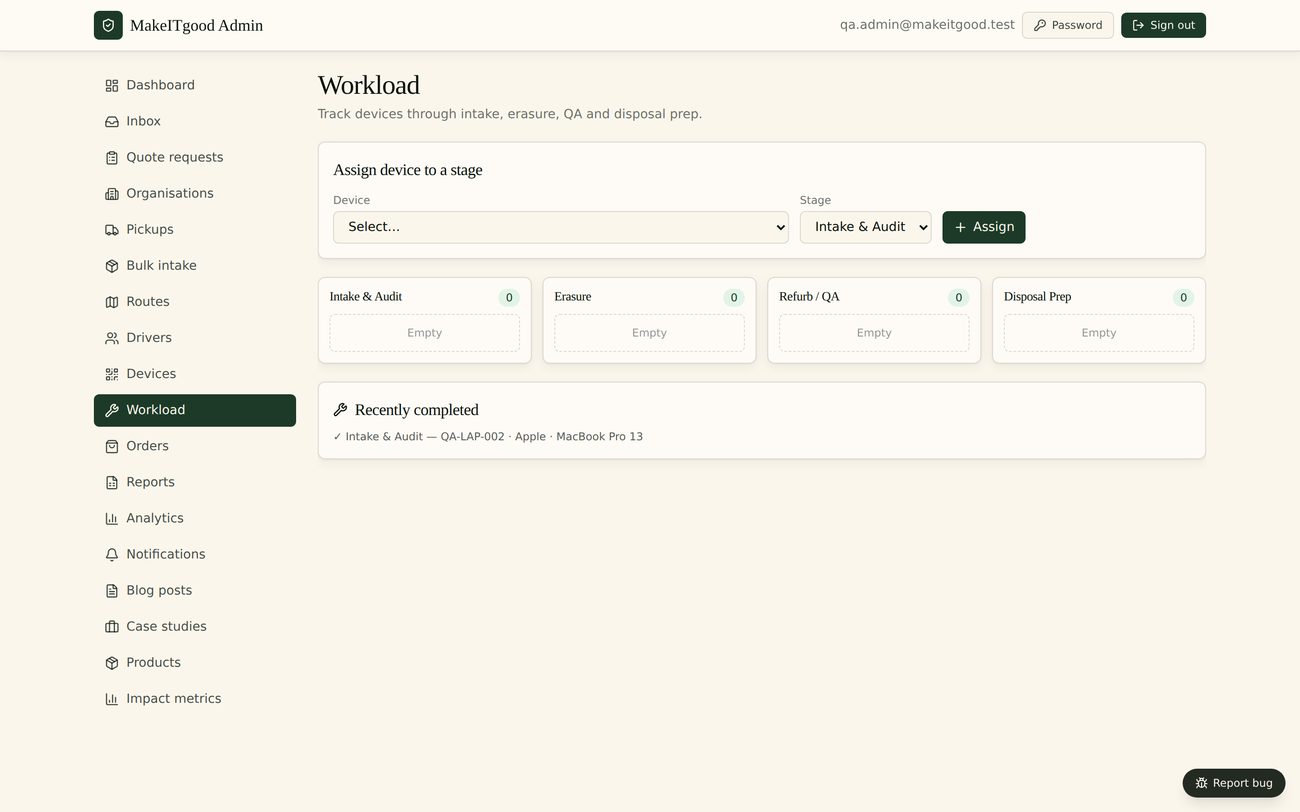
The bench works the queue. Erasure results come back against the device record itself — method, start, finish, pass or fail. A failure does not quietly pass through; it stays in the queue until somebody deals with it.

Behind the scenes

The proof is generated by the process, not typed up afterwards. Method, timestamps and operator are captured per device, so a certificate can never claim more than what actually happened.

If it cannot be proven per device, it does not count.

WipeTrail workload queue showing devices waiting, in progress and passed
Workload — what is queued, what is running, what has passed.
Step 5 · Certificate

The certificate is one click, not one afternoon

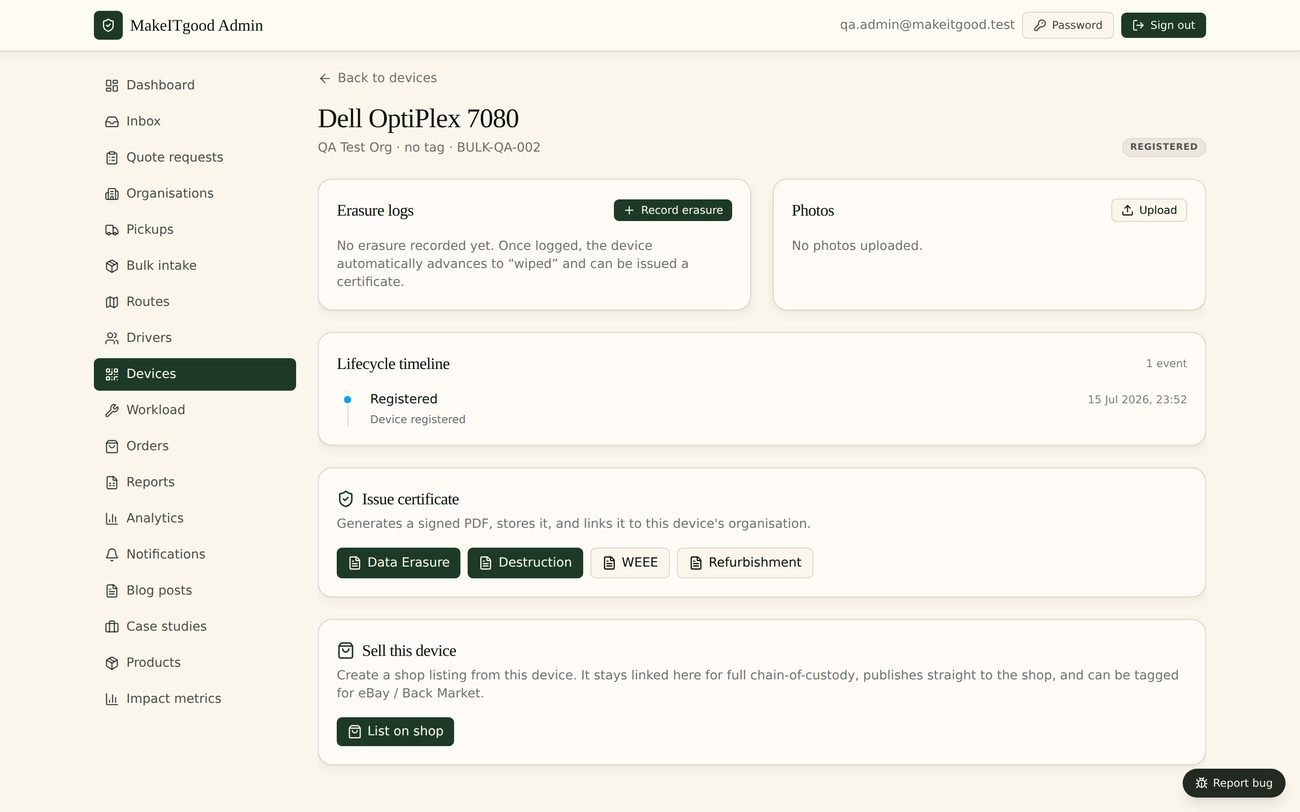
Wednesday, the trust’s business manager emails asking for evidence for the audit. Priya opens the batch and issues certificates — one per device, each carrying the serial, the erasure method, the date and the operator who did it.

Behind the scenes

The certificate is a view of the record, not a separate document you have to maintain. Reissue it in two years and it still matches what happened, because nothing was ever re-keyed.

The proof is a by-product of the work, not a separate job.

WipeTrail device detail page showing erasure record and certificate
Device detail — the whole life of one unit on one page.
Step 6 · WEEE & DWTS

The compliance record writes itself

What was reused, what was recycled, what weight went where and under whose duty of care. Priya does not build this at month end — it has been accumulating since the van pulled in on Friday.

Behind the scenes

Digital Waste Tracking becomes mandatory across the UK in October 2026. Because every movement is already recorded per device, the DWTS-shaped record is a report you run, not a project you start.

October 2026 stops being a deadline and starts being a report.

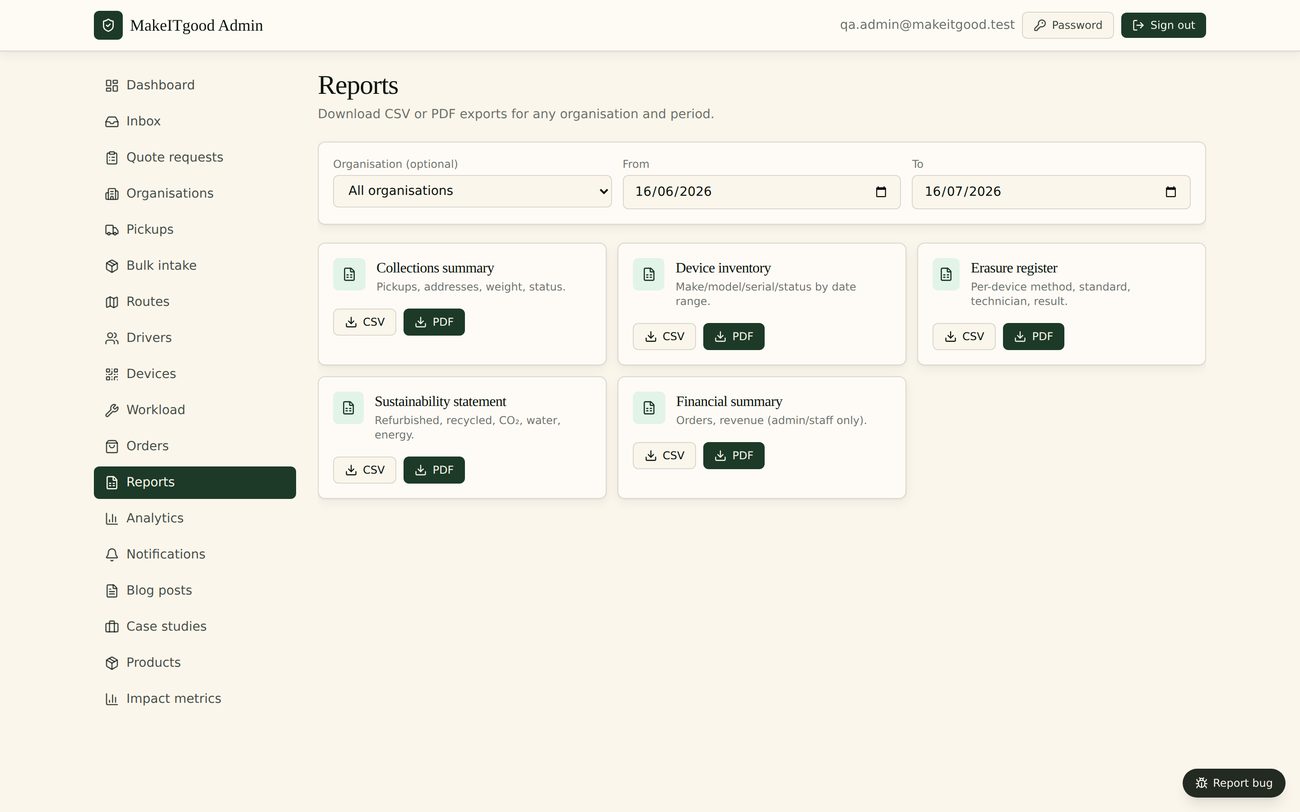
WipeTrail reports screen with WEEE and waste tracking records
Reports — reuse, recycling, weights and duty of care.
Step 7 · Resale

What can be sold, gets sold

Twenty-eight of the forty are worth reselling. They are graded, priced and listed from the same record, with the erasure certificate already attached — so a buyer can see the device was cleared properly.

Behind the scenes

Recovery and compliance run off one dataset. There is no second system to re-enter devices into, and a device that has not been cleared cannot be pushed to sale.

Recovery and compliance out of one workflow.

WipeTrail resale listings with graded, priced devices
Resale — graded and priced from the same device record.
Step 8 · Reporting

The client sees it without asking

Volumes, throughput, reuse against recycling, value recovered, turnaround time. The trust gets its report, and Priya gets the numbers she needs to plan next quarter’s bench capacity.

Behind the scenes

The same records that satisfy an auditor drive the operational view. One dataset, two audiences, no reconciliation between them.

The report your client wanted, already written.

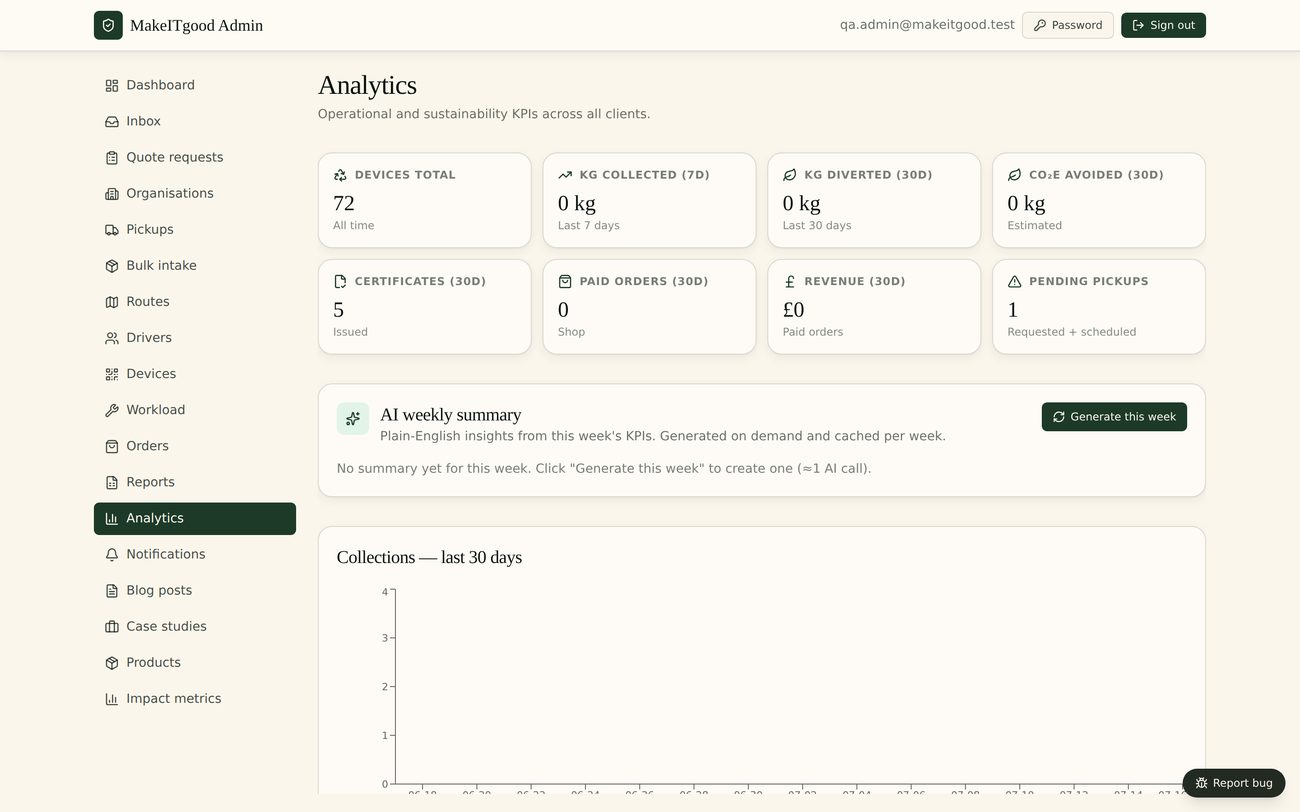
WipeTrail analytics dashboard with volumes, throughput and value recovered
Analytics — the operational picture and the client’s picture, from one dataset.

Every screen

The whole product, nothing staged

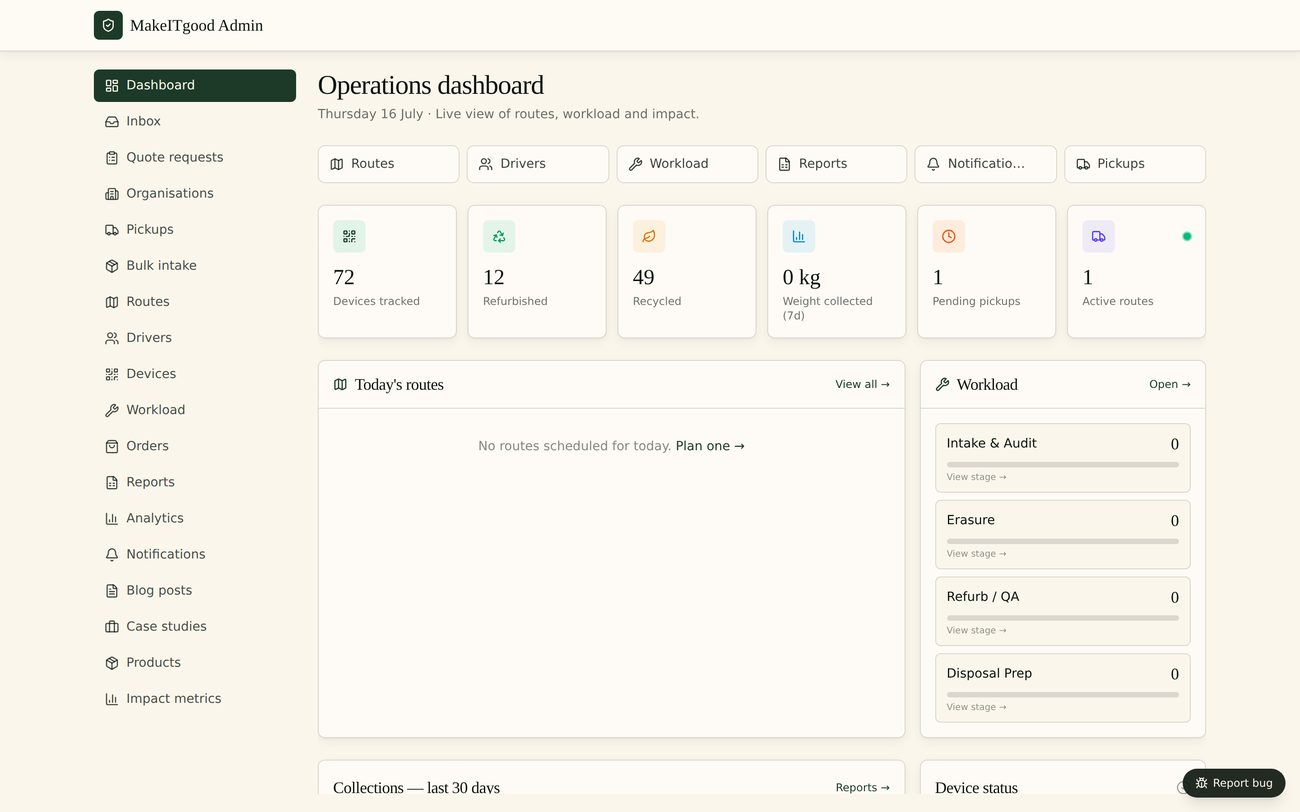
WipeTrail operations dashboard
Dashboard
WipeTrail pickups and collections
Pickups
WipeTrail device intake
Intake
WipeTrail device register
Devices
WipeTrail single device record
Device detail
WipeTrail erasure workload queue
Workload
WipeTrail WEEE and DWTS reports
Reports
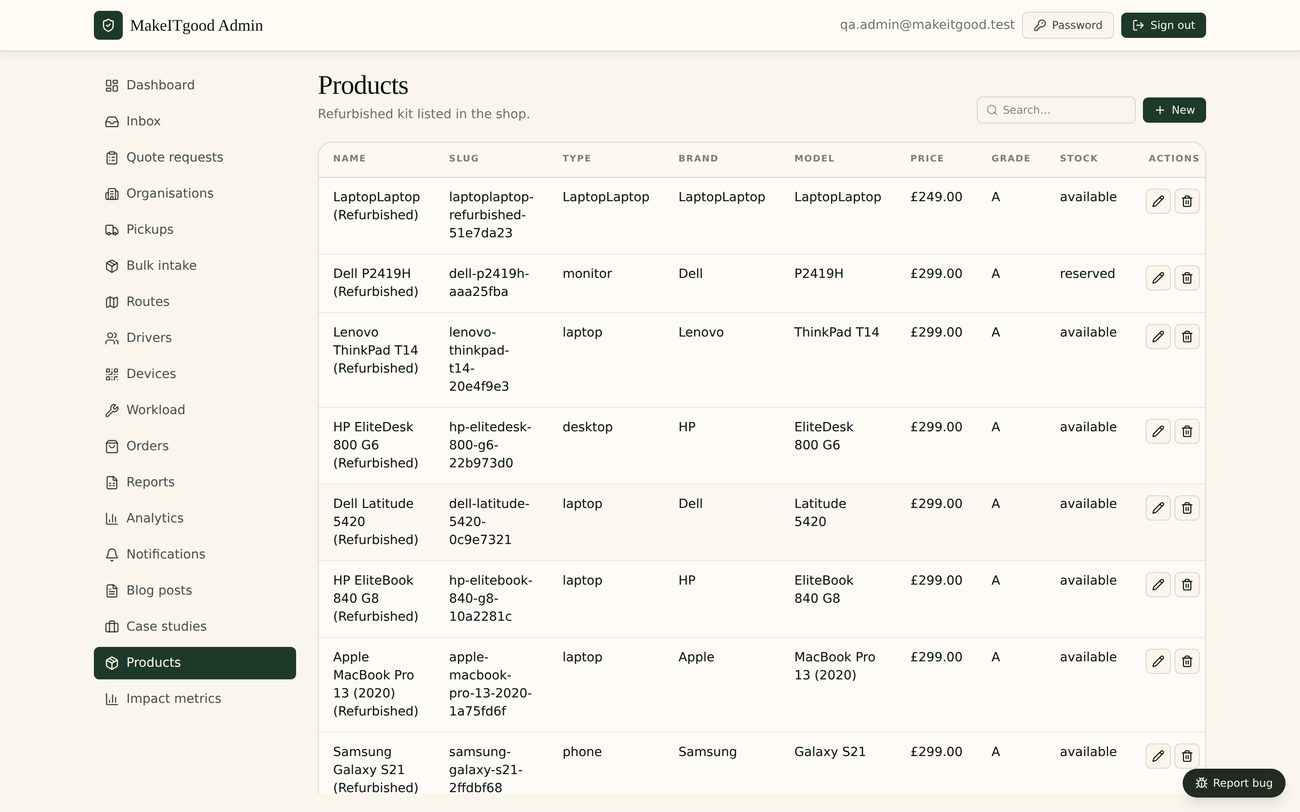
WipeTrail resale listings
Resale
WipeTrail analytics
Analytics

When you are ready

Want this on your own devices?

Send us your monthly device volumes and what you are running today. We will confirm the plan, the price and a go-live date by email — usually the same working day. Standing up your own isolated instance takes days, not months.

Send us your volumes →

Or read the published pricing and the MakeITgood case study first.

Frequently asked questions

Do I need to book a call to see WipeTrail?

No. The walkthrough on this page is the product — the same screens used in live ITAD operations every day. Work through it at your own pace, as many times as you like.

Are these real screens or mockups?

Real. Every screenshot is WipeTrail running a live operation, with client identifiers removed. Nothing on this page is a wireframe or a rendering.

How long does it take to go live?

Days, not months. We stand up your own isolated instance, add your branding and settings, import what you need and switch it on.

Can I try it with my own devices?

Yes, once your instance is live. Send us your device volumes and we will confirm the plan and timing by email, usually the same working day.